
How to Choose the Best Poster LED Display for Your Business

Choosing the right Poster Led Display is not just a matter of picking the brightest screen. It means matching the display to your location, audience, content, and daily operating needs. A shop window facing a sunny street has different demands from a quiet hotel lobby. Glare matters. So does viewing distance.

This guide uses an illustrative expert voice: fictional display consultant Alex Morgan offers this guiding line: “Choose for the place people will see it, not just the specifications on the box.” Treat that as a useful principle, not a sourced quotation. We’ll look at screen size, resolution, brightness, portrait orientation, connectivity, and the practical details that shape a purchase. These include mounting options, remote content updates, warranty coverage, and access to local support. A crisp image from two meters away may look soft from across a broad showroom. Tiny detail.

We’ll also compare how different Poster Led Display models fit retail counters, exhibitions, reception areas, and promotional windows. Product sheets rarely show the whole story. Ask to view a live demonstration, check how the display handles your actual content, and confirm its brightness in the intended lighting. A specification can impress on paper and disappoint in a real space. That happens. The best choice is usually the one your team can install, manage, and maintain confidently. Still, no checklist replaces seeing the screen in its final setting. Our outline will help you ask sharper questions before committing.
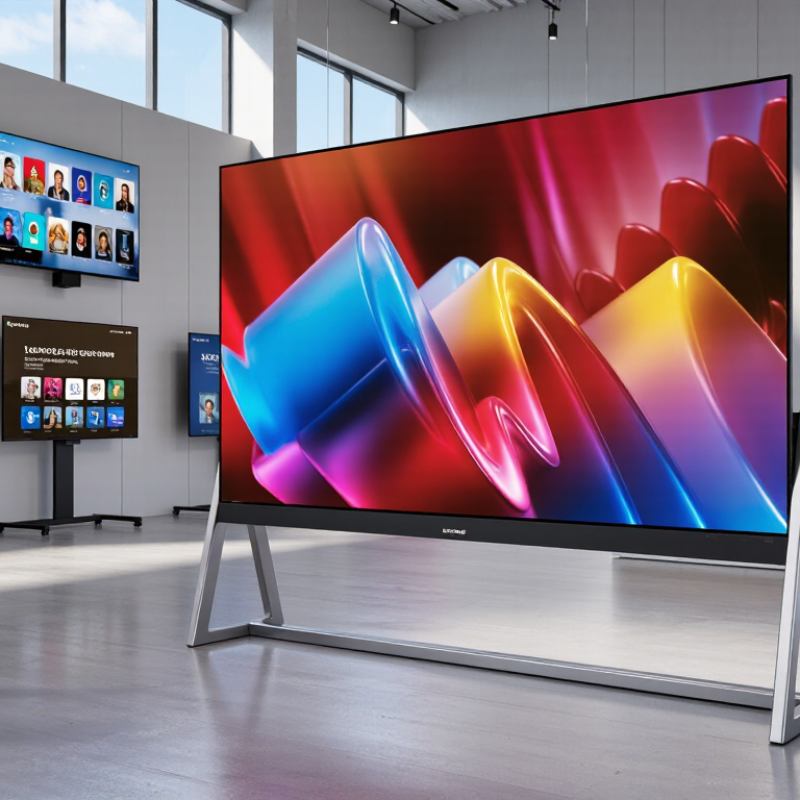
How to Choose the Best Poster LED Display for Your Business

Define Your Business Goals and Display Environment

Define the screen’s job before comparing pixel pitch or cabinet size. Start with the action: attract passersby, promote a limited offer, or guide visitors to a service desk. Is the display indoors, behind a sunlit window, or beside a busy entrance? Measure viewing distance, available wall space, glare, and foot traffic at different times. A screen that looks vivid in a showroom may appear washed out beside a glass storefront.

The U.S. Energy Information Administration’s 2018 Commercial Buildings Energy Consumption Survey found that lighting used about 17% of commercial-building electricity. That figure is not a poster-screen estimate, but it is a useful reminder to consider operating hours and power draw alongside brightness. The Out of Home Advertising Association of America reported U.S. out-of-home advertising revenue of $9.1 billion in 2023, up 2.1% year over year. This reflects continued investment in location-based messaging, not guaranteed results for any single display. Set a measurable goal, such as scans, inquiries, or offer redemptions, before installation.

Tips: Stand where customers will stand. Check screen visibility at noon and after dark. Ask for power data at your intended brightness, then test a sample in the actual location. Note the ambient light and viewing distance; estimates can be imperfect, and real storefront conditions often surprise people. A short on-site trial may reveal more than another round of specification comparisons.

Choose Poster LED Pixel Pitch by Viewing Environment

A practical rule of thumb is that the viewing distance in meters roughly matches the pixel pitch in millimeters. Use closer viewing distances for detailed promotional content; consider your audience’s typical position and available space before choosing a display.

Pixel-pitch values are approximate planning guidance, not a universal specification. Confirm readability with real content and viewing conditions at your installation site.

Compare Poster LED Display Size, Resolution, and Brightness

Choosing a poster LED display starts with viewing distance, not the largest available screen. Measure the wall or floor space, then note where people will stand. A unit near a checkout counter may need a narrower footprint than one beside a wide lobby entrance. Keep walkways clear. For indoor viewing from two to four meters, a finer pixel pitch can keep text and product photos crisp. But close viewing is not the only factor. A larger cabinet can be harder to move and may not fit the intended location.

Resolution should match both the content and viewing distance. If your message uses small prices, dates, or detailed images, check that they remain legible at full scale—not just on a laptop preview. Ask for a native-resolution sample or inspect the display in person. Simple menus and bold headlines can work well with lower pixel densities. Tiny text? It often disappoints. Try cropping a real campaign to the screen’s portrait dimensions before buying; awkward spacing can waste pixels.

Brightness depends on the actual lighting. Indoor displays usually need less output than storefront screens exposed to sunlight. Excessive brightness can feel harsh and flatten color detail. Compare specifications in nits, then test the screen at the time of day it will be used. Look for adjustable settings and even illumination across the panel. Reflections matter, too. Glass and polished floors can reduce perceived contrast, and lighting changes more than a specification sheet suggests.

Check Connectivity, Content Controls, and Ease of Use

Connectivity is not just a spec-sheet checkbox; it shapes how a poster display fits your daily workflow. Check for Wi-Fi, wired Ethernet, and USB or cloud uploads. In a shop, a network failure should not leave yesterday’s lunch offer glowing all afternoon. Ask whether schedules are stored locally and resume after a connection returns. Test it live.

Content controls should let staff change a price or image without rebuilding an entire playlist. Look for user permissions, preview mode, reusable templates, and timed campaigns. Grand View Research valued the global digital signage market at $28.83 billion in 2023 and projected 8.1% annual growth from 2024 to 2030 in its Digital Signage Market report. Market growth does not prove that any particular screen is reliable, but it makes long-term support worth checking.

Ease of use is measurable in a short trial. Ask a nontechnical employee to upload a portrait image, schedule tomorrow’s opening hours, and fix a typo. If every step requires a manual, routine updates may become a burden. Check menu readability, clear error messages, and whether one dashboard controls several displays. Small friction adds up. Test the screen under actual store lighting, too; glossy samples can hide reflections and awkward touch targets.

Evaluate Durability, Warranty, and Total Cost of Ownership

A poster LED display may look sharp in a showroom, but daily use reveals its weaknesses. Check the cabinet seams, corner protection, ventilation openings, and stand stability. If staff move it between entrances, inspect the handle and cable strain points. Small details matter. Dust, repeated setup, and heat can shorten component life, even indoors.

Ask what the warranty actually covers: panels, power supplies, labor, shipping, and on-site repairs. Confirm the coverage period and response time in writing. A display that waits weeks for a replacement can cost more than its purchase price in missed promotions. Test how service works before buying. The process can be less convenient than the sales conversation suggests.

Compare total ownership costs over several years, not just the initial quote. Include electricity, installation, software, maintenance, replacement parts, and downtime. For example, estimate daily operating hours and check the display’s rated power consumption; real usage can vary with brightness and content. Request a sample service schedule and parts pricing. One estimate may still miss an unexpected repair, so leave room in the budget. A lower upfront price is not always the cheaper choice.

Match Display Options to Your Space and Audience

Start by measuring the space where the poster LED display will actually stand. Note its width, nearby doors, and the distance from which people will view it. A screen beside a checkout may need readable text at close range, while one in a lobby must catch attention from across the room. Check ambient light at different times of day. Bright windows can wash out an image, but excessive brightness may feel harsh in a small, quiet space. Test the display in place when possible.

Think about who will see it and how long they will look. Passing shoppers need large images and a short message; visitors waiting in a reception area may have time for more detail. Use strong contrast, generous lettering, and simple layouts. A technically sharp screen is not automatically easy to read. Viewing angle matters too, especially in narrow corridors where people approach from the side.

A common planning mistake is choosing a display from a product photo alone. Real spaces are less tidy. Reflections, furniture, and shifting foot traffic can change what works. Consider portrait orientation where floor space is tight, but leave enough clearance for safe movement and routine maintenance. Review the content at actual viewing distance, then adjust it. Some details will still be missed; that is useful feedback, not a reason to add more text.

How to Choose the Best Poster LED Display for Your Business — Match Display Options to Your Space and Audience

Business Space Typical Audience and Viewing Distance Suggested Pixel Pitch Typical Brightness Common Poster Format Best-Fit Features Planning Consideration
Retail entrance or storefront Passing pedestrians, usually about 2–6 m away About 2.5–3.9 mm About 1,000–2,500 nits for bright indoor areas; higher output may be needed near sunlit windows Portrait display, approximately 0.6–0.7 m wide and 1.8–2.0 m high High brightness, strong contrast, scheduled promotions, and a stable freestanding base Check daylight exposure and avoid placing the screen where reflections or direct sunlight reduce visibility.
Mall corridor or shopping-center concourse Moving foot traffic, typically about 3–8 m away About 2.5–3.9 mm About 800–1,500 nits in a normally lit indoor setting Single portrait poster or a synchronized multi-screen arrangement Wide viewing angle, smooth video playback, remote content updates, and a compact footprint Confirm sightlines from both directions and follow property rules for placement, cabling, and operating hours.
Hotel lobby or reception area Guests who may stop to read, commonly about 1–4 m away About 1.8–2.5 mm About 600–1,200 nits, adjusted to the ambient lighting Portrait poster with a narrow bezel or coordinated pair of displays Fine text rendering, quiet operation, restrained brightness controls, and simple content scheduling Use readable text and clear wayfinding layouts; allow sufficient clearance around reception and accessible routes.
Restaurant or café ordering area Customers viewing menus while queuing, about 1.5–5 m away About 1.8–2.5 mm for detailed menus; about 2.5–3.9 mm for larger graphics About 700–1,200 nits One poster for promotions or several screens arranged side by side Clear typography, easy-to-update menu content, and brightness settings suitable for indoor use Keep key prices and menu text large enough to read from the back of the queue.
Trade-show booth or temporary event Visitors approaching from several directions, typically about 2–7 m away About 2.5–3.9 mm About 1,000–2,000 nits, depending on hall lighting Portable portrait unit; multiple units can form a larger visual wall Quick setup, transport protection, stable support, and straightforward media playback Check venue power, display height limits, transport access, and setup time before choosing a format.
Office reception or corporate information area Visitors and employees viewing at close range, about 1–4 m away About 1.8–2.5 mm About 500–1,000 nits Single portrait poster or a compact pair for welcome and information content Fine detail, low-glare placement, scheduled announcements, and controlled access to content Match the display brightness to the room and position it where visitors can pause without obstructing circulation.

Note: Figures are typical planning ranges, not guaranteed specifications. Actual brightness, pixel pitch, dimensions, viewing distance, power use, and environmental suitability vary by display configuration and installation conditions. Confirm detailed specifications with the supplier before purchase.

Optimized by Optimole