7 Tips for Buying Remote Controlled Animatronics
Remote Controlled Animatronics can turn a themed room, event, or display into a scene that feels unexpectedly alive. Yet a moving head, blinking eyes, and a convincing sound loop are only part of the purchase. Buyers also need to consider control range, power needs, materials, setup time, maintenance, and the space where the figure will operate. A compact indoor model may behave very differently from a large prop used outdoors. Measure doorways and turning space before delivery; a wide base can complicate placement. Confirm whether batteries, adapters, or replacement parts are included. Small details matter.
A useful buying decision starts with the intended use, not the most dramatic product photo. Check how the unit responds to its controller, whether its movements look smooth at close range, and how easily parts can be serviced. Ask sellers for clear specifications, operating instructions, and realistic demonstrations. Reviews can help, but look for comments about long-term reliability rather than excitement on arrival day. First impressions fade. Even a well-built animatronic may need occasional adjustments, and sound or motion can feel tiring in a small room. The following seven tips offer a practical way to compare options, set a sensible budget, and avoid common surprises. They focus on fit, function, safe setup, and customer support—not flashy promises. Use them as a checklist, then verify important details directly with the supplier. Your best choice may be less elaborate, but easier to operate and maintain.
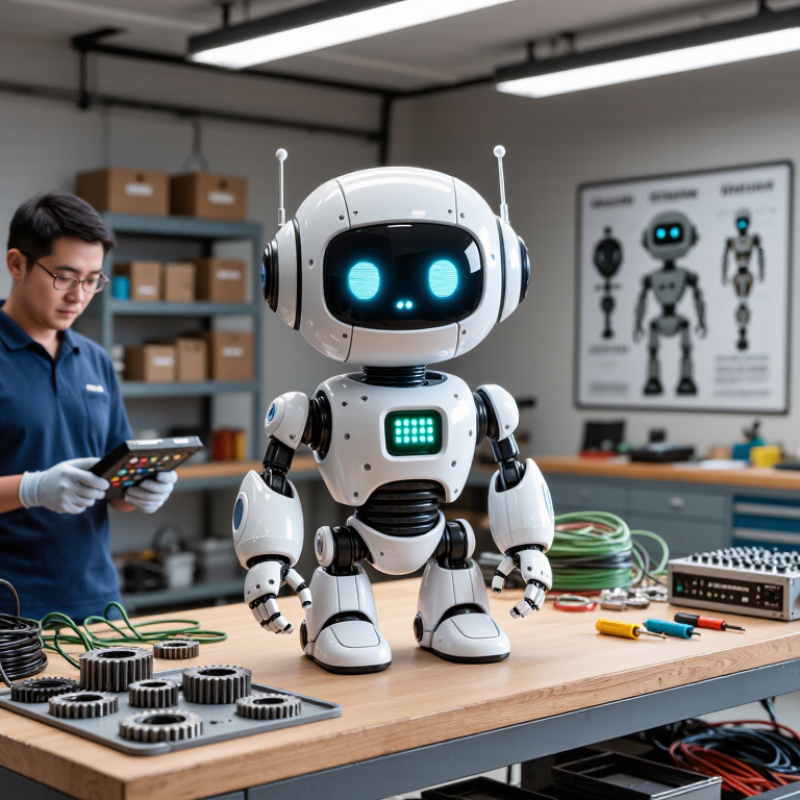
Define the Animatronic’s Purpose, Setting, and Operating Needs
Before buying a remote controlled animatronic, decide what it must do. A museum display may need slow, repeatable gestures and quiet movement. A themed event might call for a larger range of motion and quick operator response. Write down the character’s actions, how often it will run, and who will control it. Keep the list practical. “Move its head” is less useful than “turn 30 degrees toward the entrance every two minutes.”
Then study the setting closely. Measure doorways, ceiling height, and the path from delivery point to display area. Check for nearby power outlets, trip hazards, bright sunlight, dust, and damp air. A unit designed for indoor use may not tolerate an exposed outdoor location. Consider viewing distance, too: small facial movements can disappear across a wide hall. Ask how long the system can operate before cooling or charging, and how much access technicians need for routine checks. Details matter. I’ve seen plans overlook storage space for the controller and cables; that small omission can make setup awkward. Leave room for adjustments, because the first placement rarely works perfectly.
Evaluate Materials, Power Options, and Safety Requirements
Tip 1: Check what the shell and frame are made from. Flexible skin can look convincing, but thin coatings may crack after repeated movement. Inspect seams, joints, and fasteners, especially around the neck and hands. For outdoor use, ask how materials handle sunlight and moisture. A sturdy frame matters.
Tip 2: Match the power source to the way you plan to use the animatronic. Battery power avoids trailing cables, but runtime can vary with movement, temperature, and battery age. Mains power suits longer displays, yet cables need strain relief and a protected route. Confirm the required voltage and expected operating time before buying. I have learned not to trust a runtime estimate without checking how it was measured.
Tip 3: Look for clear safeguards around moving parts. Hands, gears, and hinged jaws can create pinch points, so check for guards and an accessible stop control. Set the unit on a stable surface, away from walkways, and test its full range of motion before visitors arrive. Keep cables out of reach. If installation involves fixed wiring, consult a qualified professional and follow the manufacturer’s instructions and local safety guidance. A quiet test first helps.
Choosing a Power Option for Remote-Controlled Animatronics
Typical nominal voltages vary by battery chemistry and configuration. The plotted 3.65 V and 7.3 V values are midpoints of common nominal ranges for one- and two-cell lithium-ion packs. Check that the power source matches the animatronic’s actuator and controller ratings; voltage alone does not indicate runtime or safety. Also review battery protection, wiring, pinch points, and applicable electrical safety requirements.
Check Supplier Reliability, Warranty, and Total Ownership Cost
When buying remote controlled animatronics, ask for evidence of reliability, not polished promises. Request a cycle-test log showing run hours, movement failures, and repair intervals. Ask how quickly the supplier can ship motors, cables, and control components. A spare part that takes months to arrive can sideline a figure during peak season. Check the warranty in writing. Does it cover labor, shipping, and on-site repairs, or only replacement parts? Clarify exclusions for wear, dust, moisture, and frequent operation. Small print matters.
Price is only the opening figure. Add crating, freight, installation, operator training, software updates, power use, routine servicing, and eventual repairs. The U.S. Department of Energy’s Operations & Maintenance Best Practices Guide cites potential energy savings of 5–20% from effective maintenance programs. That benchmark concerns facilities, not animatronics, so treat it as context—not a guaranteed saving. Still, scheduled care may reduce avoidable downtime. Ask suppliers for a sample maintenance schedule and an itemized service estimate. Then compare three- to five-year costs, not just purchase quotes. A spreadsheet can miss the cost of a missed show. I would leave room for surprises.
Plan for Setup, Testing, Maintenance, and Repairs
Before buying a remote controlled animatronic, measure the full setup area, including doorways and the space behind the figure. Check where the controller, power supply, and cables will sit. A display may fit on paper but feel cramped once people walk around it. Allow room for safe access. Keep cables away from foot traffic, and confirm that the floor can support the unit. Ask how long assembly usually takes and whether two people are recommended. Small details matter.
Plan a test before the first public use. Run every movement several times, then check for delayed responses, unusual noises, or loose connections. Test from the intended operating distance.
Test twice.
Keep a written maintenance log with dates, observed wear, and repairs; it helps reveal patterns that are easy to forget. Dust joints and vents as directed, and inspect cables for cracks or pinching. Do not force a stiff mechanism. Stop operation and consult qualified service support if a movement changes suddenly or a part becomes hot.
I once underestimated how much setup time a simple adjustment could take. That was a useful reminder: leave a buffer, and keep basic tools and replacement fasteners nearby. Before purchase, clarify which repairs require trained technicians and how parts can be obtained.